UI Application: Design and Production (Animations & Audio)
Animations
To create a good work, there must be animations and audio for the user to immerse in the game world.
Tittle Screen

The animations of the play buttons allows user to know that the button is interactable.
Character
Running // Idle Animation
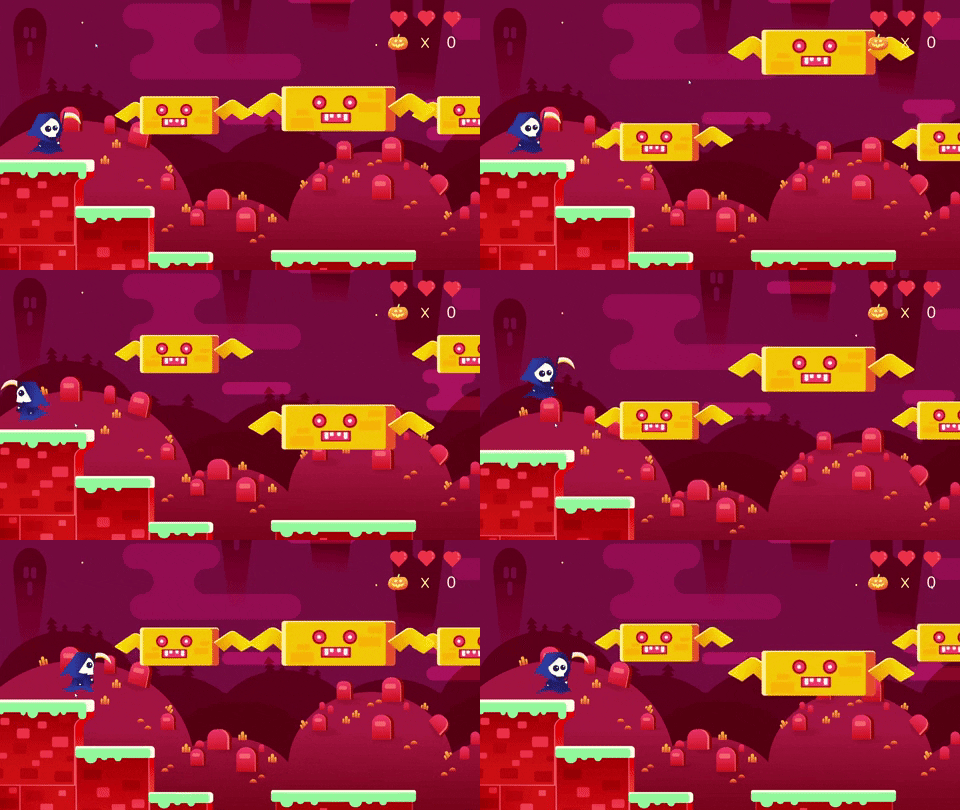
There are animations on the movement of the player. The reaper will blink its eyes when he is in idle state. Besides that, I add the effects of wave warp on the outfit of the reaper to show that its floating. My intention of making him floating may lead some confusion to the player, thus I've made a survey on the user test and majority of the players have no problem with it.
Jumping Animation
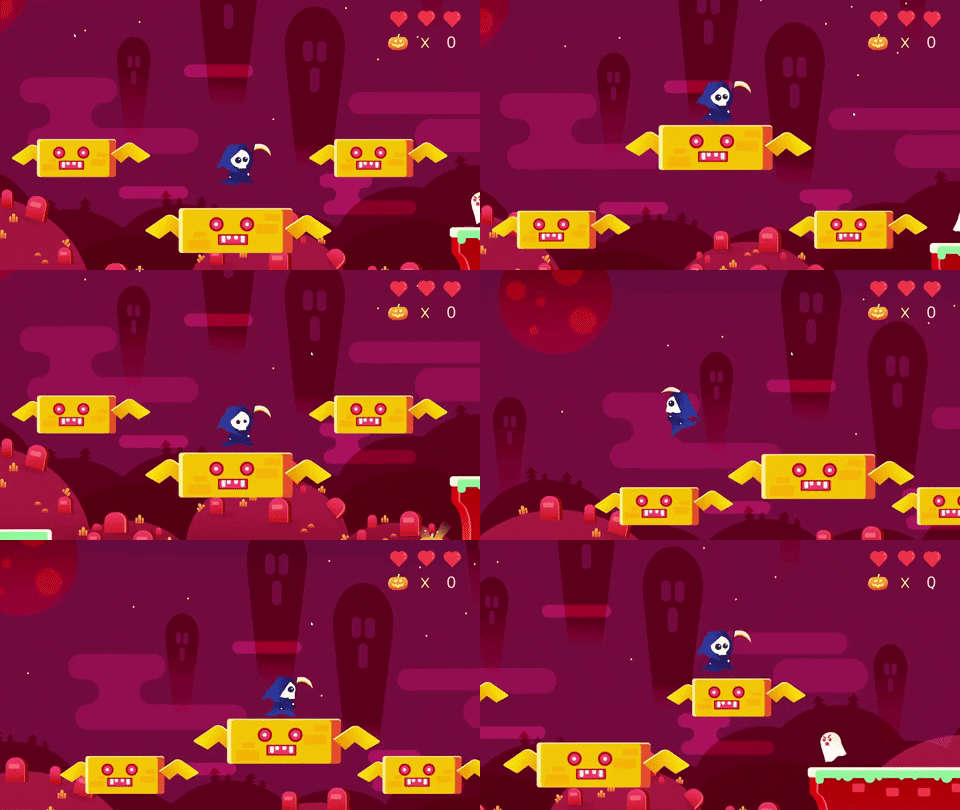
The animations will also change to show that the player is jumping.
Respawn
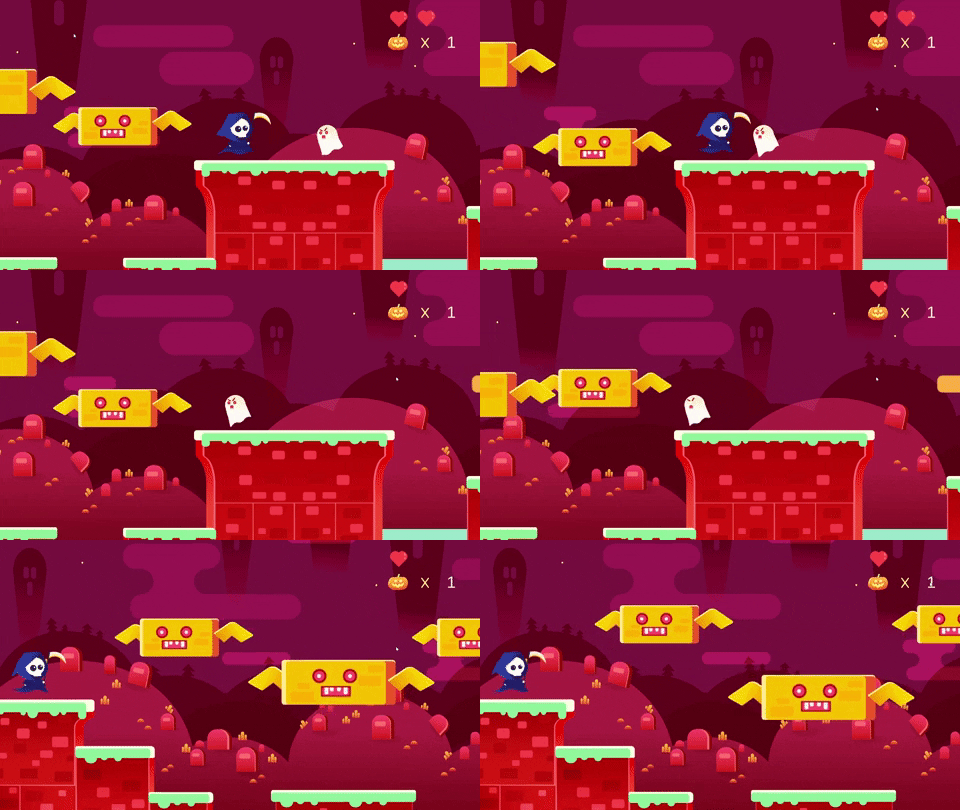
This is to show what will happen when the player interferes with the enemy.
Pumpkin
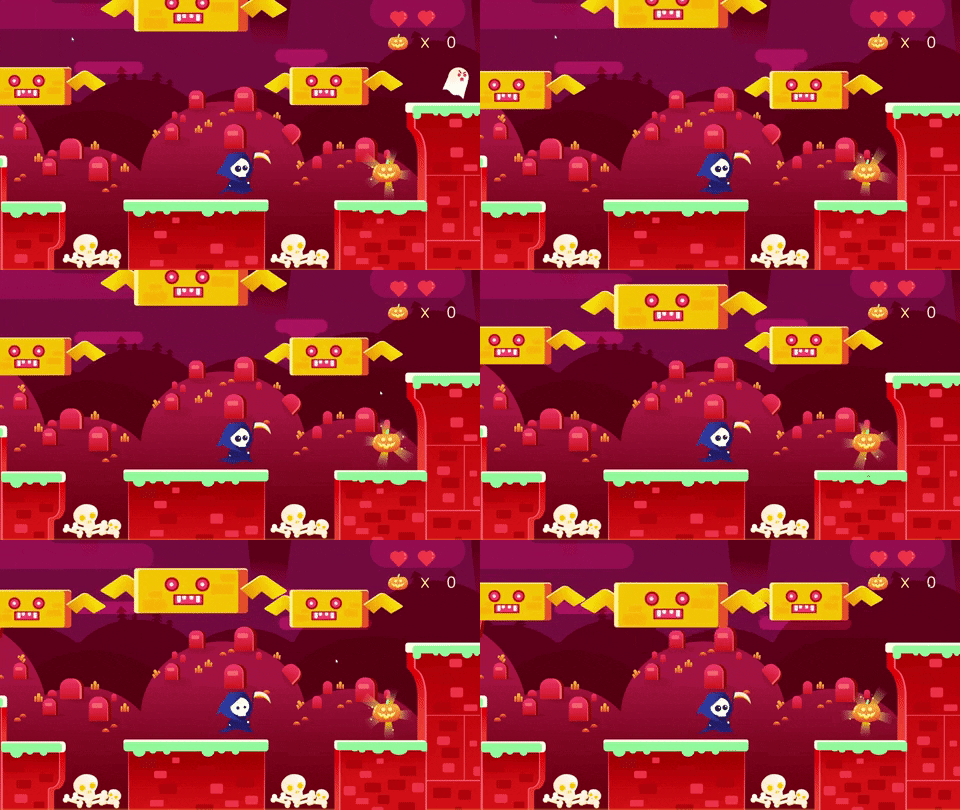
The animation of the pumpkin to show that the pumpkin is collectable. It feels like something is lacking without the animation.
Ghost
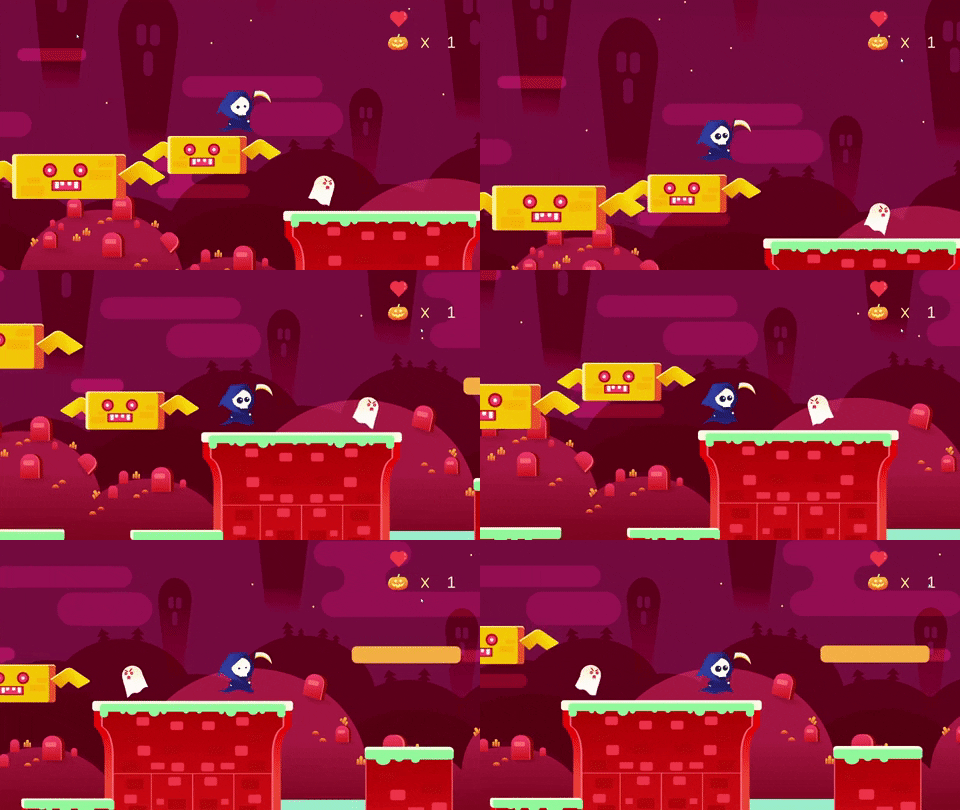
I also apply the effect of wave warp on the ghost, The ghost also blinks his eyes as if it's really alive.
Underwater
Diving & Background
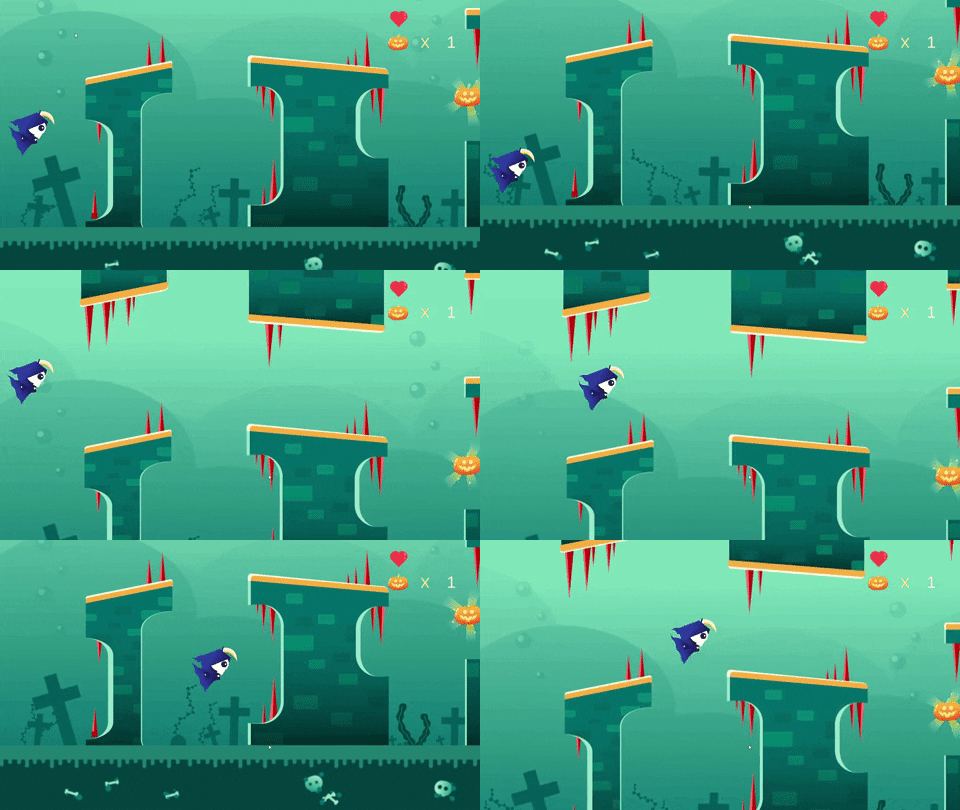
The character also has animations when its diving. The outfit will also have wavy effect as usual but in different posture. Furthermore,the background of the underwater is always animating to enhance the overall game play. I apply the effects that I've learnt in motion graphic class such as bend CC , grow bound for the animations of plants. Besides that, the bubbles will appear randomly in the underwater along with the bubbling sound effect.
Piranha & Sea Creatures
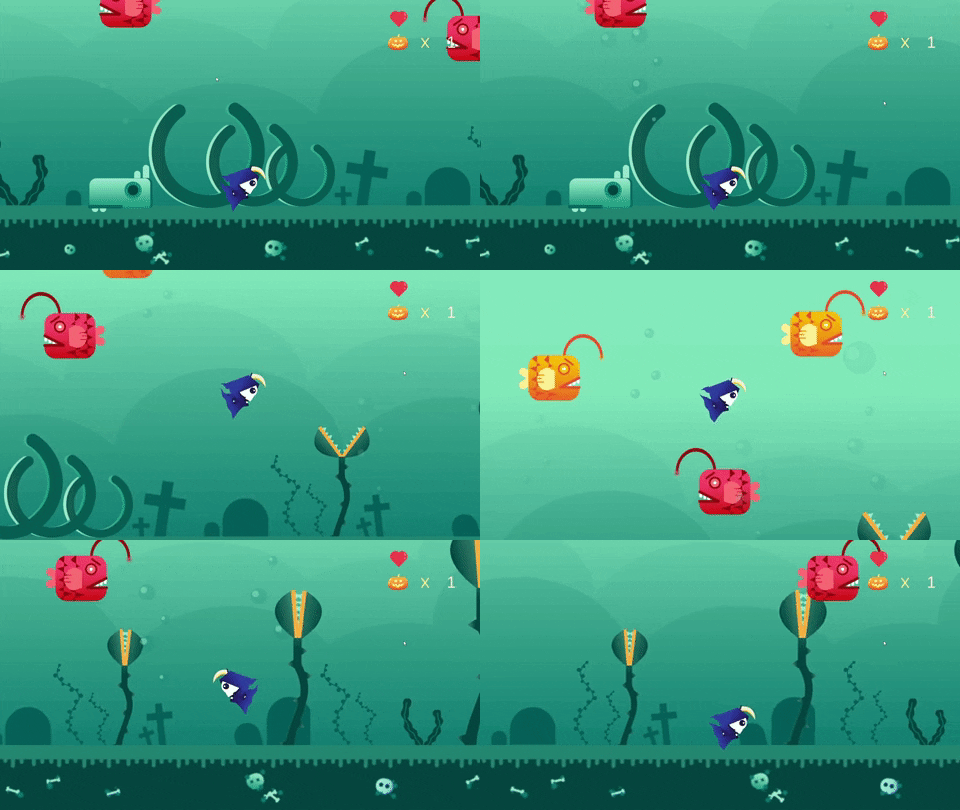
One of the pumpkins is trapped inside the piranha plant. In order to collect the pumpkin, the player has to wait for the perfect timing for the piranha plant to open. Last but not least, the sea creatures will move horizontally in different direction.
Moving Platform
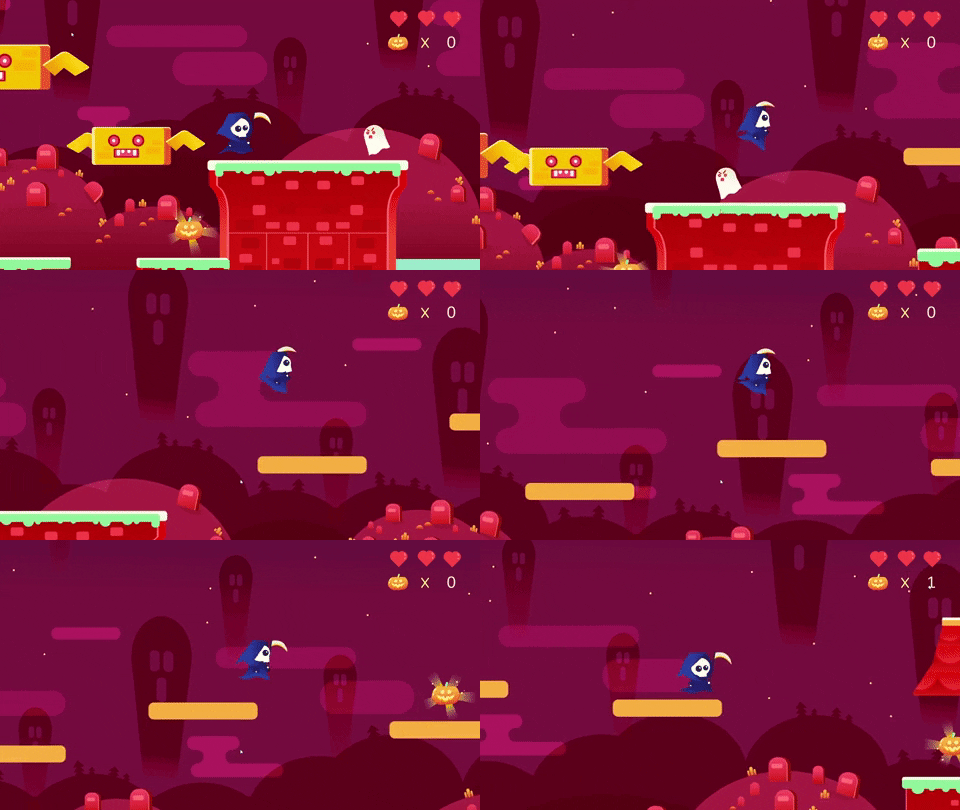
This is another interaction where the player has to observe and pick the best timing in order to collect the pumpkin on the moving path.
Ghost Mansion
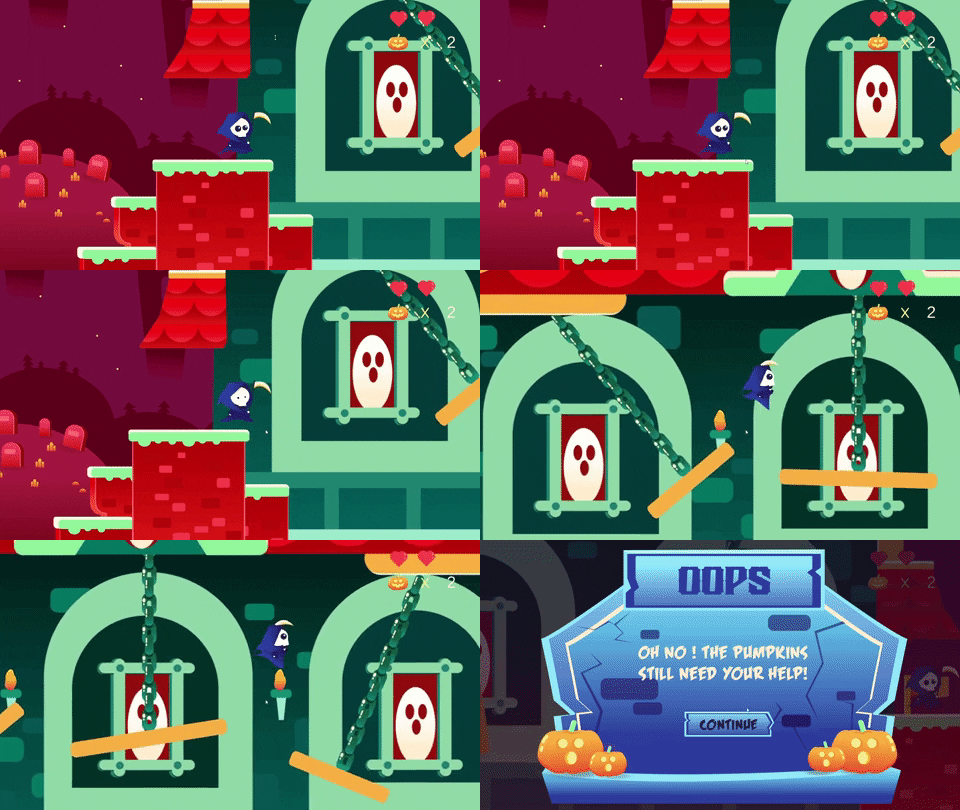
This is the most challenging part where the player need to go through the swinging path in order to reach the checkpoint. The velocity of the swinging path swings vigorously because I want the player to challenge it by waiting for the best timing to pass through. Besides that, there are also subtle animations on the background of the mansion. I apply animations on the fire just to enhance the background.
Audio
I implement a lot of sound effects as audio occupies 50% of the project.
Sound Effects & BGM that I've implemented:
1. Bubbling Audio
2. Piranha Audio
3. Respawn Audio
4. Hit Enemy Audio
5. Clicking Audio
6. Collect Pumpkin Audio
7. Victory Scene Audio
8. Defeat Scene Audio
9. Oops Scene Audio
10.Underwater Instruction Audio
11. Swinging Path Audio
12. Halloween BGM
For the audio part, I feel it's very challenging for me as I need to find the suitable sound effects for every part of interaction. I spend lots of time finding the audio source. For some audio, I recreated them in Adobe Audition so that the sound will play according to the animation. For example, I wanted to have whoosh// wind sound with different effects when the path is swinging left and right. The swinging platform moves vigorously to the left while it slows down when it swings to the right. Thus, I can imagine that the whoosh audio is louder to the left and it gradually turns softer when it moves to the right. Thus, I adjusted the clarity and hiss when the platform move to the right in audition. It can be heard that the wind is stronger and slowly fades out when the swing becomes slower.


For the respawn audio, the duration of the original sound effects is long. Thus , I reduce the levels of the audio so that the audio sounds like it's slowly fading out.

This is the editing of the halloween BGM. This is because the BGM feels awkward when it's looping in Unity. In order to solve this problem, I adjusted and cut the audio using Adobe Premier Pro. This is because Adobe Premier Pro allows me to use marker in order to indicate the tempo of the music. Hence, it's easier for me to cut the music following the tempo and combining the music together.


Comments
Post a Comment