Design Development
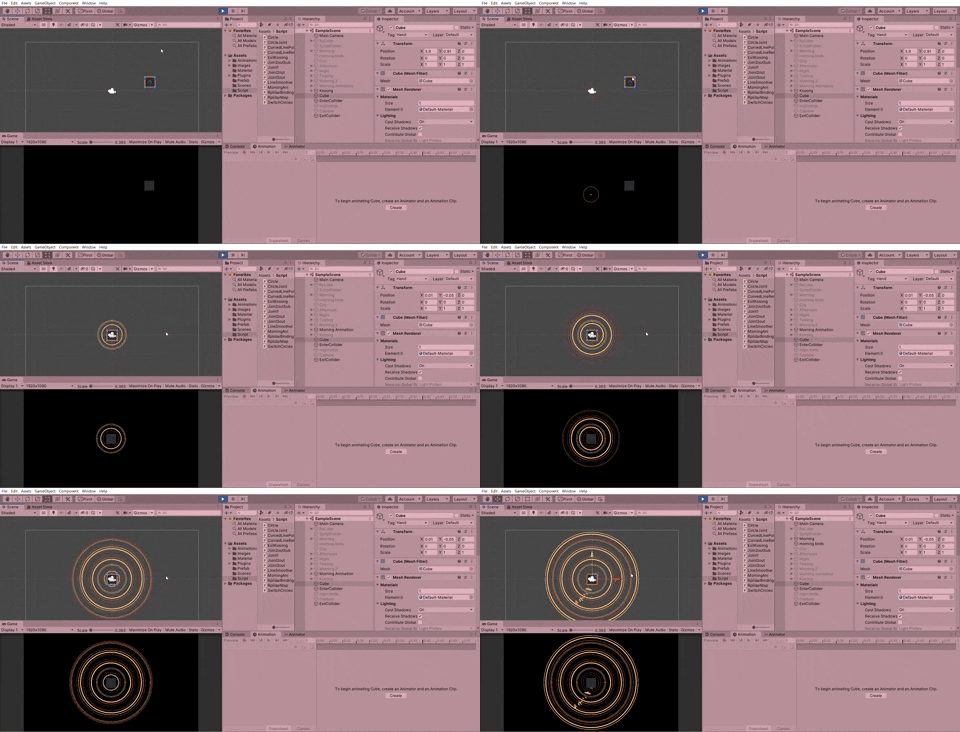
This project is very challenging than usual because it uses visual coding which is very new to me. Before starting the visual on coding, I've tried to develop some visual to see how it looks like. I've tried to see and compare how does the circles will look like if added with dotted circles.
Lines without Dotted Circles
Lines with Dotted Circles
Unfortunately, these designs look bad because I feel they look like Indian Diwali and it doesn't match with the overall look and feel that I want.
Design Development with Coding
Formation of Circles with Joints
At the very first stage, I've learned something very interesting which is creating circles using coding. This is very new to me as I never explore this kind of coding before. This feels like bringing back to my secondary life whereby the formula and calculations to create a perfect circle is being implemented now on coding.
From this coding, I've understood that by instantiating the joints, it will stay connected to each other according to the angles that are coded and form a perfect circle. The axis of y and axis of x can be coded using the formula of sin and cos. This is because sin starts from 0 1 0 -1 0 while cos starts from 1 0 -1 0 1. At last, the connection of joints uses
Line Renderer to form lines between them. After creating the circles, I can adjust to the radius and segments that I want.
Experimentation with Visual Coding
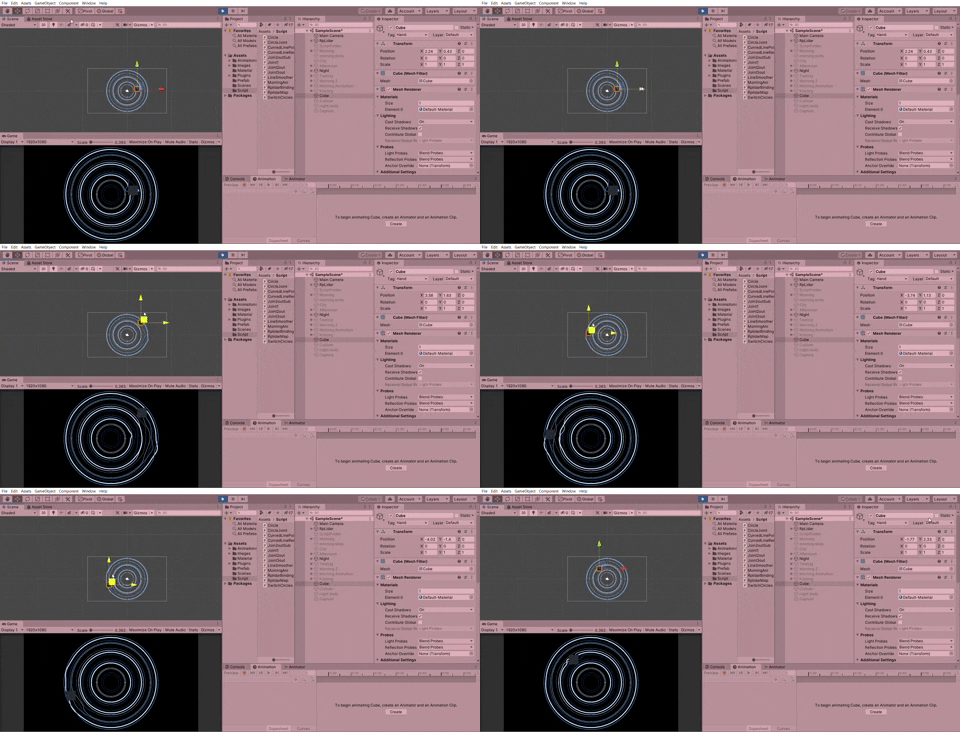
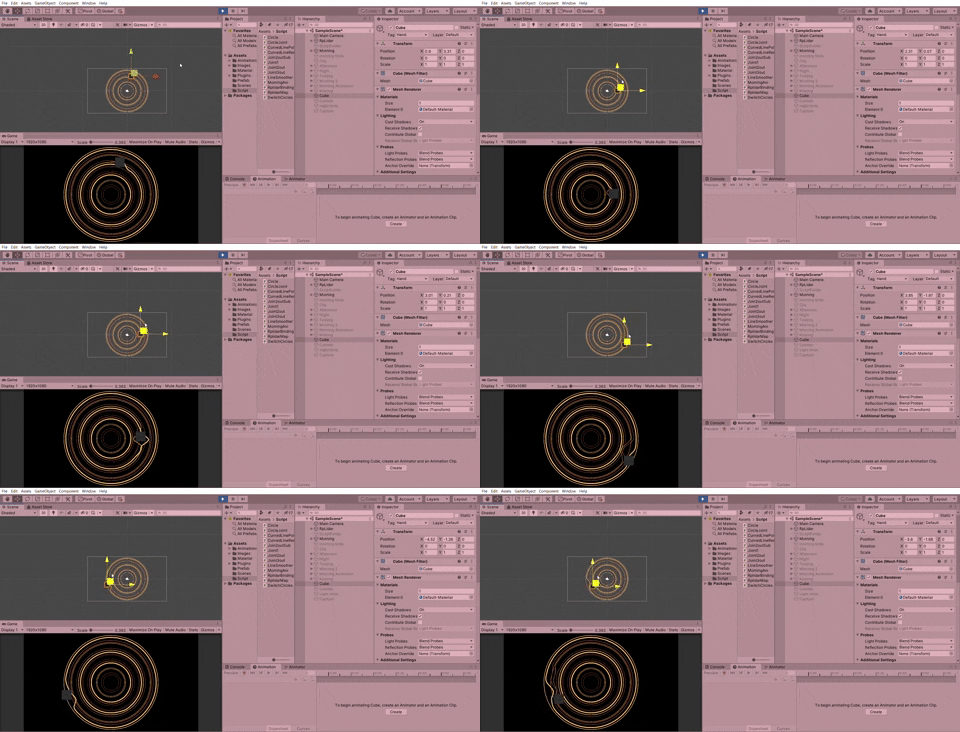
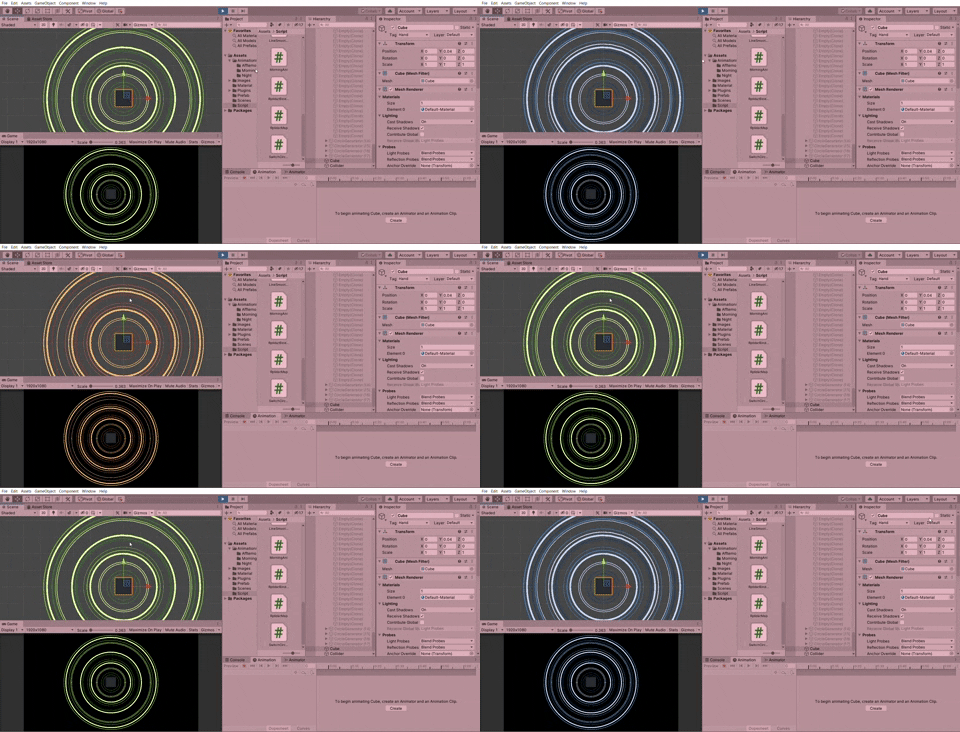
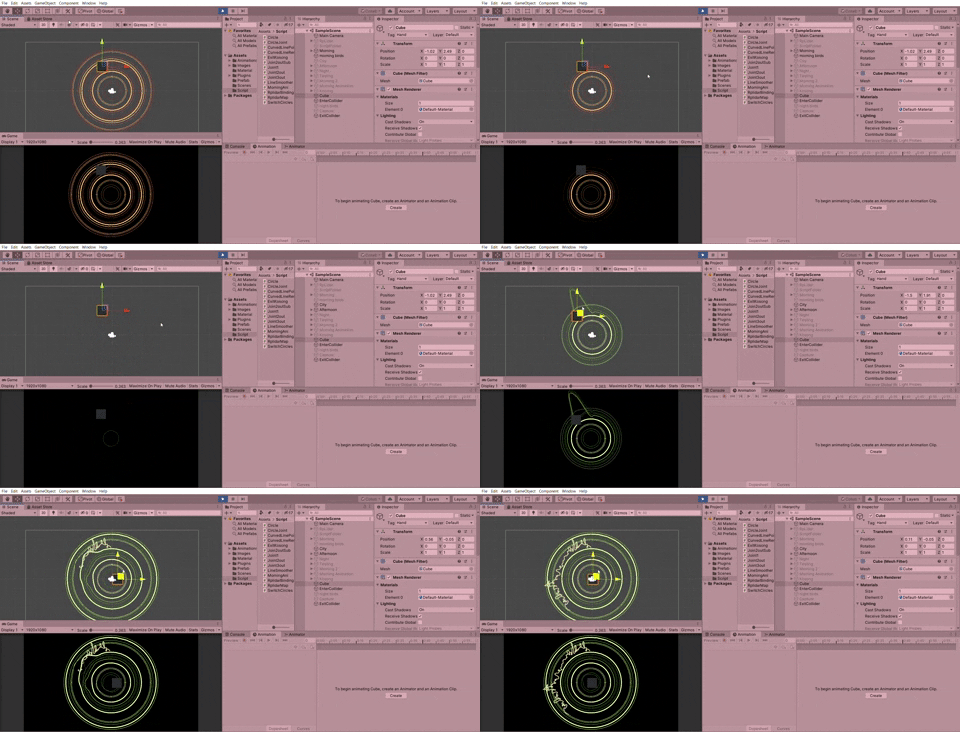
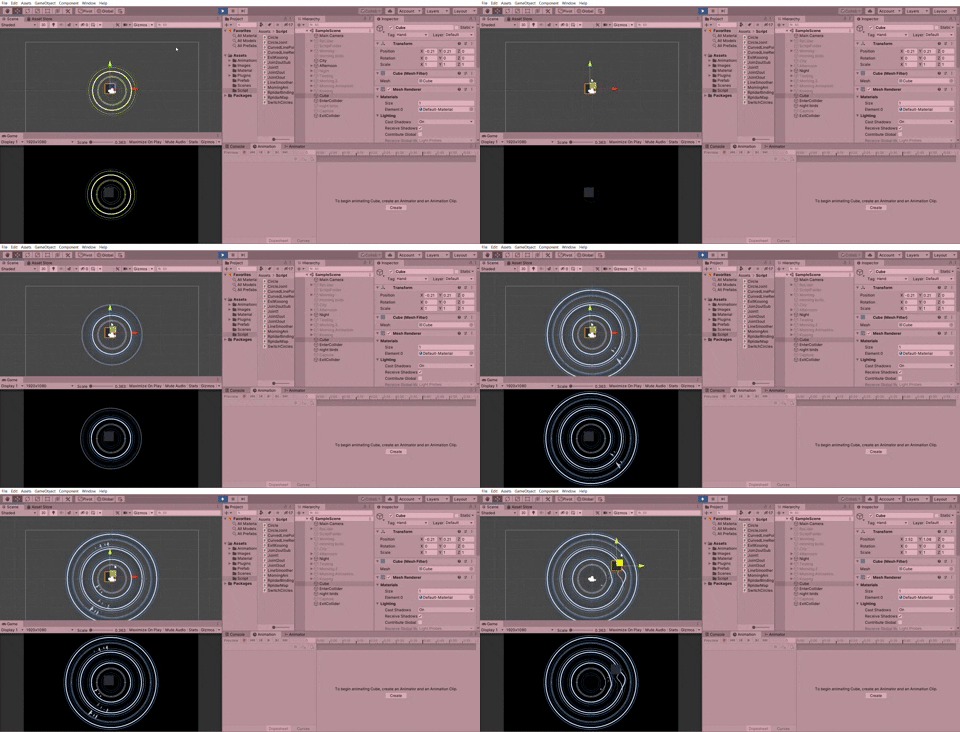
I've experimented with different formulas by changing the values and different calculations in order to get the idealized result. It's very miracle to see the changes of visuals by using a different formulas. In this coding, I play with values of x and y by ( + - x / ) with different values to get a different outcomes. Here are some of the different visual effects of experimenting with a different formulas.
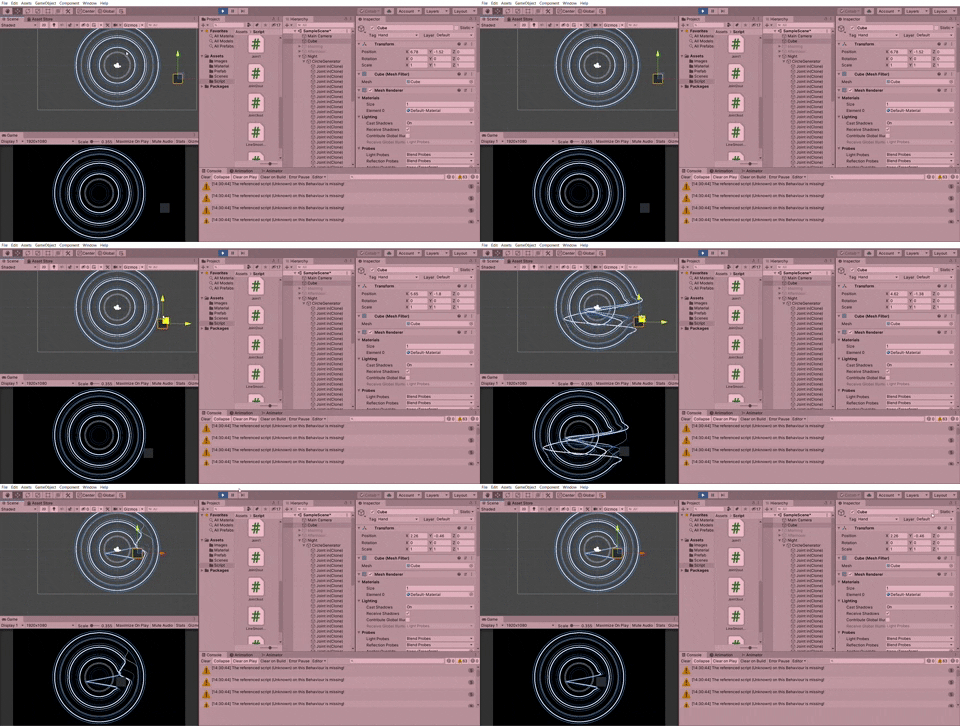
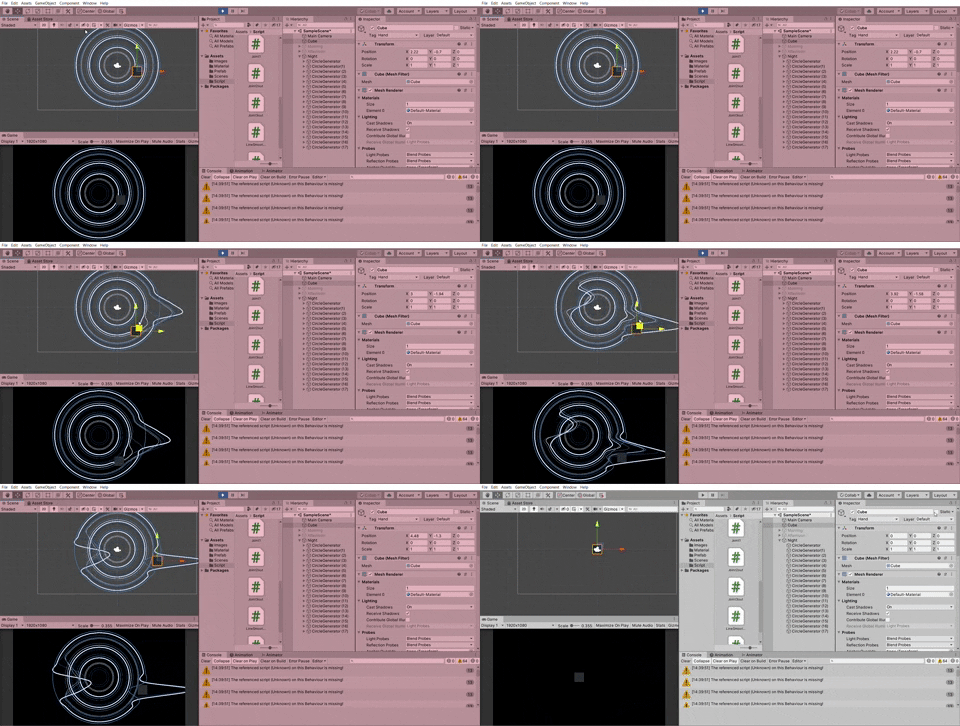
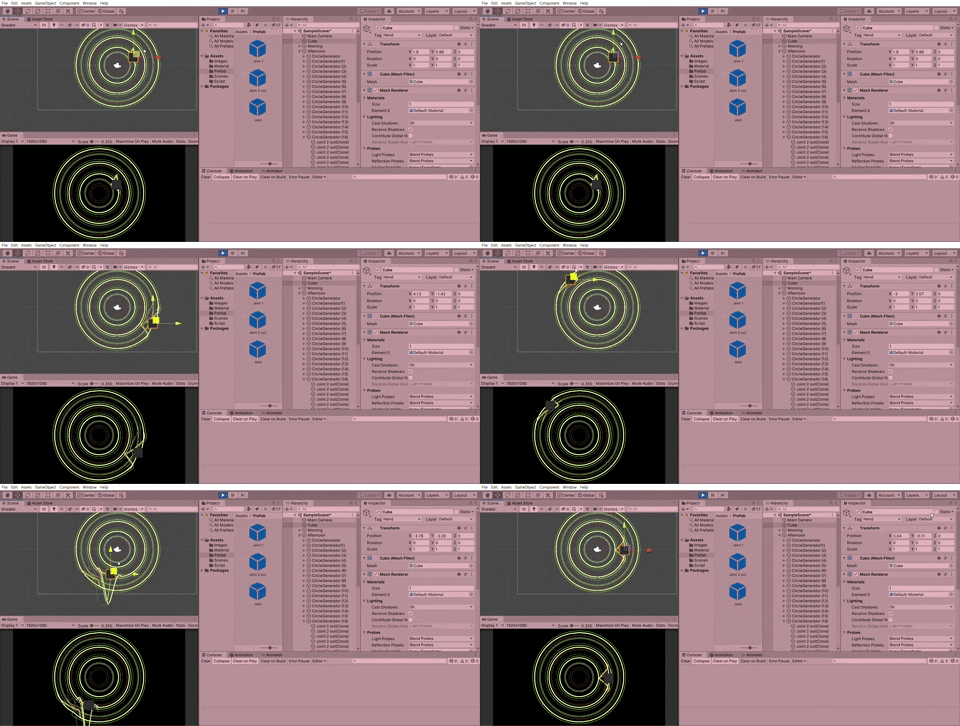
Not to mention that these are just part of the experimentations that I've explored. There are lots more interesting visual effects that can be coded. It takes time and effort in order to get the idealized result. I have to try and error but I have a fun time watching the changes of lines with different codes.
First Attempt on Visual Coding
Morning
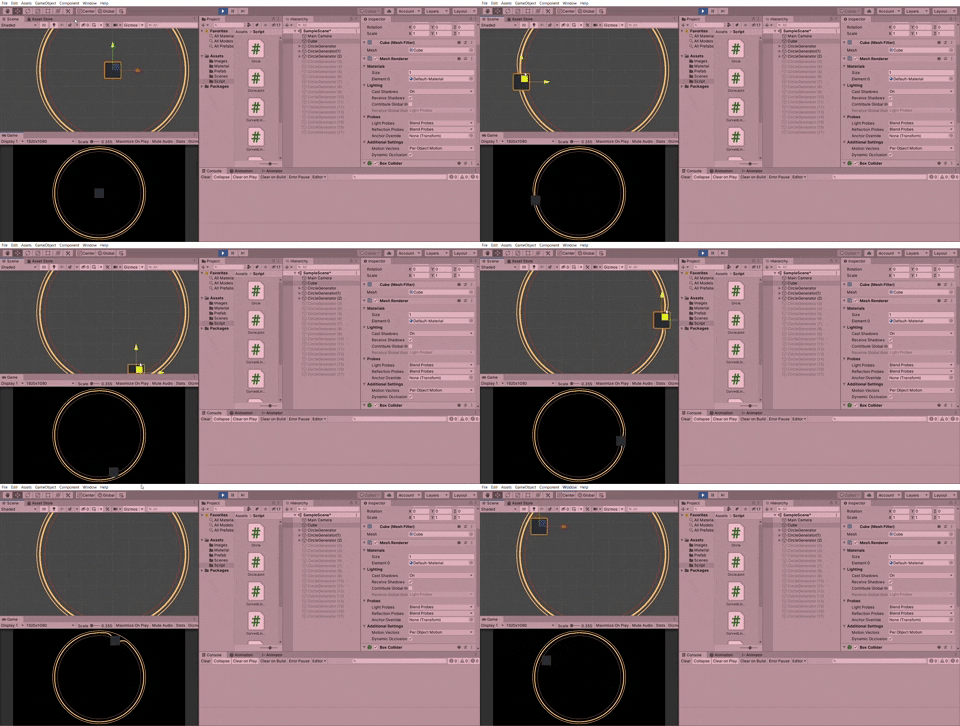
For the morning, the lines have a very subtle movement.
Afternoon
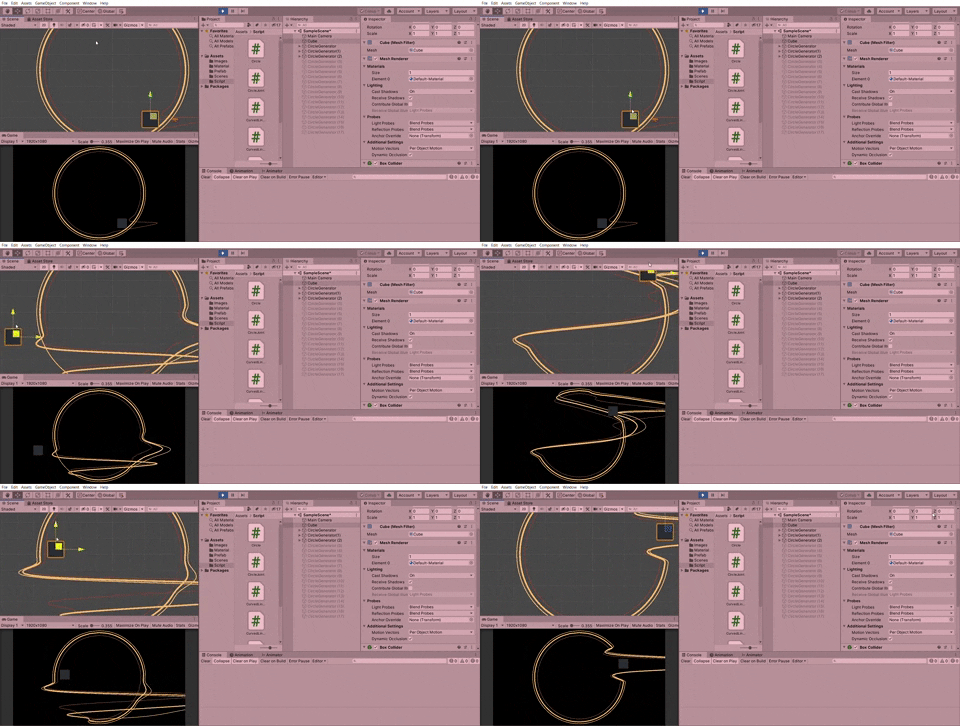
For the afternoon, the lines have a more vigorous effect and overlap with each other as the afternoon gets busier.
For the night, the lines move like a waveform. Some of the lines move outwards while some of the lines move inwards.
Problems
By this stage, the lines look very stiff and do not have that kind of fluid simulation. The overall mood and feel are bad. Thus, I have to explore more on velocity, force and etc.. to obtain a better result.
Second Attempt on Visual Coding
In order to solve the problem, I replace MoveTowards with SmoothDamp with smooth time and velocity in order to get a wavy kind of lines. Besides, instead of telling the code to move to the targeted place instantly when it is being triggered, I added the function of SmoothDamp as well so that the lines move smoother back and forth. Here is the code :
Problems & Challenges
After achieving the fluidity of lines, I implement this code for the rest of the circles. In the next step, I tried on switching between three circles. (morning, day, night) There are few ways to achieve an outcome like so. At first, I use the function of StartCoroutine. At first, this code seems to look fine but it causes some problems to occur when I start to add animations on the circles. It will flicker when switching from one circle to another. Besides that, it's not productive enough if I want to change the time of each animation of every circle. I have to calculate manually which is not a very effective & productive action. Thus, I have to find another way to solve this problem. Here is the code that works but may cause some minor issues when animations are implemented on the circles.
Another way to achieve the same result is by replacing IEnumerator with the function of Add Animation Event. Both ways achieve the same result but this way is more effective.
Another issue that happens when I start to apply animations on the circle is that the circles keep on expanding and lose control when I play it.
This is because the animation is trying to change the position of the circle points, while the scripts are also trying to change the position of the circle points, which is causing both of them to fight with each other. One way to fix it is to have a separate circle just for the beginning animation, then swap it with the real circle after the animation ends.
Third Attempt on Visual Coding
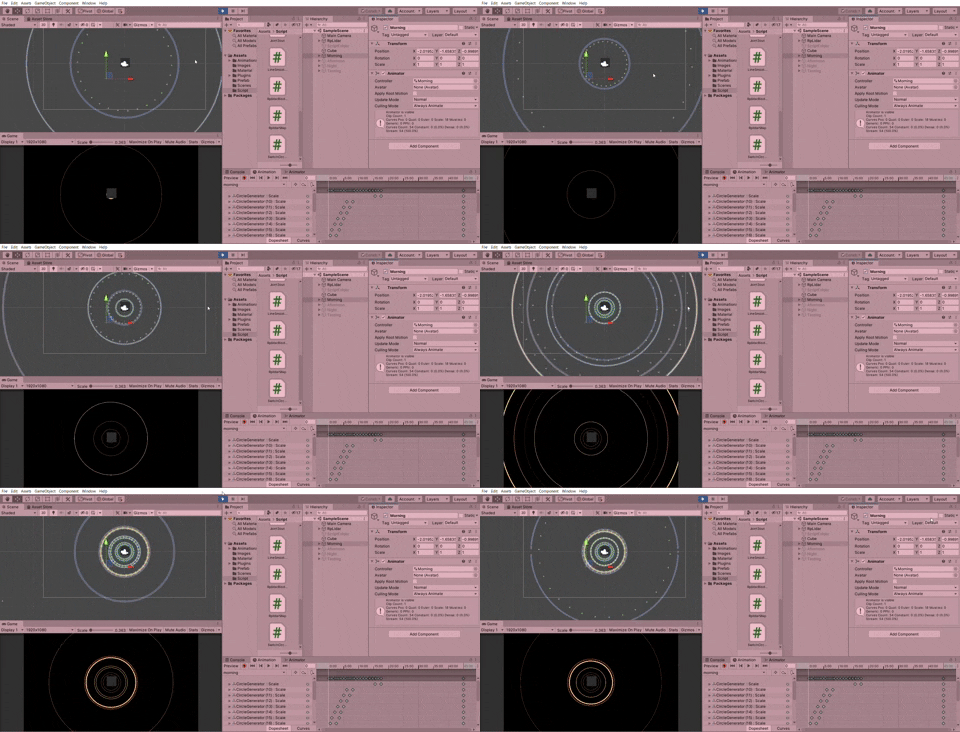
At this stage, I've completed most of the part. However, this is where the iteration process starts. At the beginning of the animation, the expansion of circles looks very odd. It looks unnatural and doesn't have ease in and out effect. The same goes for the rest of the circles. For the second artifact, the animations of the city look like writing something and it doesn't look nice. While for the third artifact, it was suggested to change to other elements instead of using the same assets. Besides, I have to make some adjustments on the lines because it moves like oil.


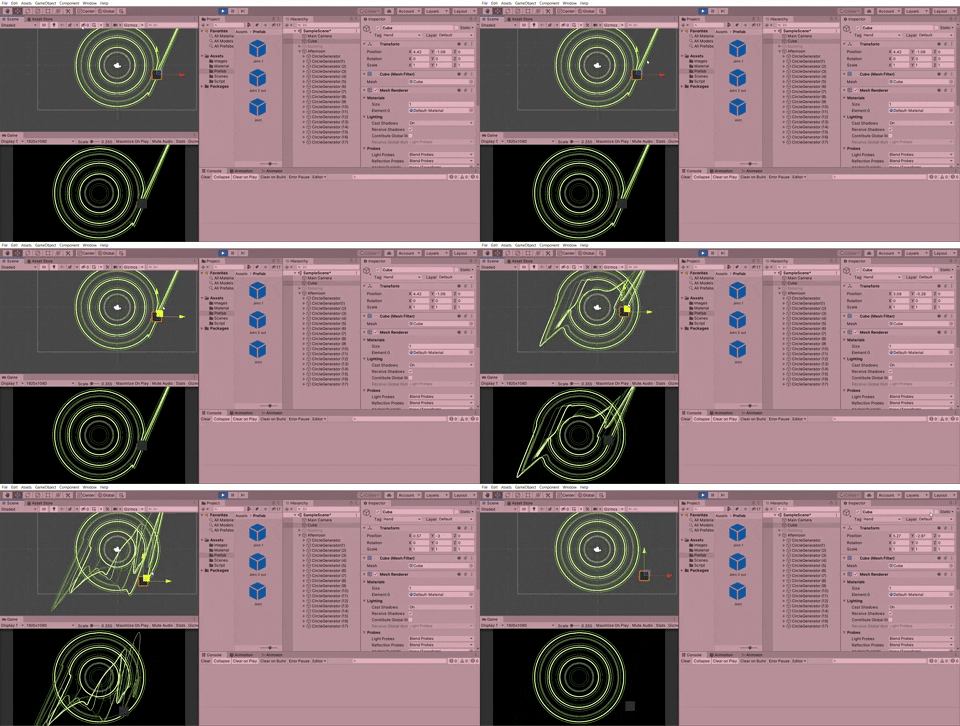

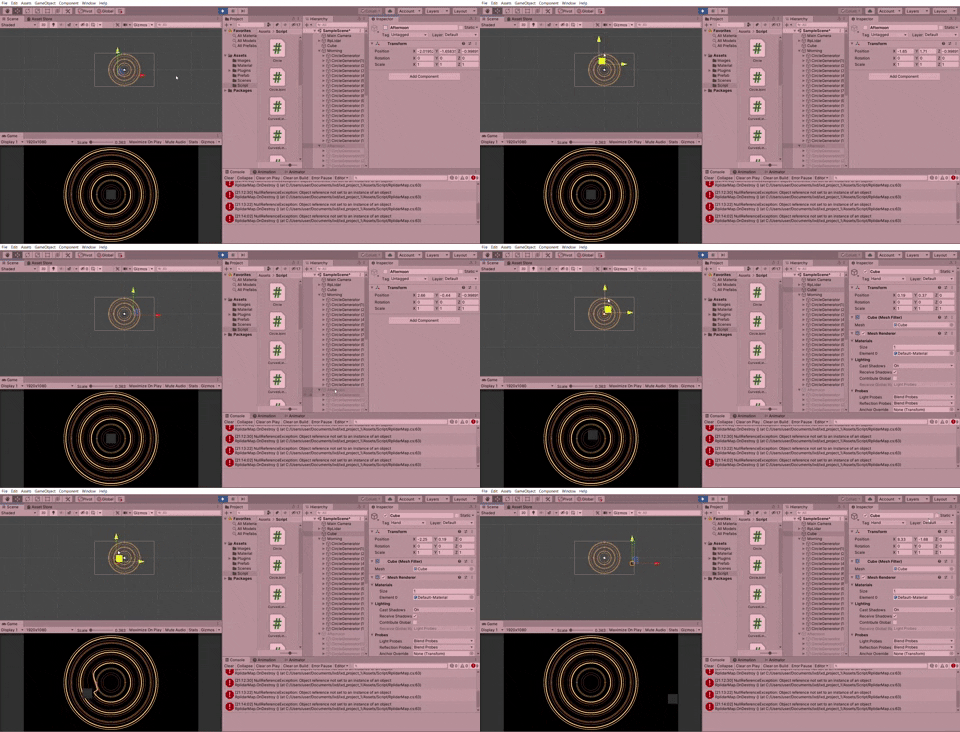
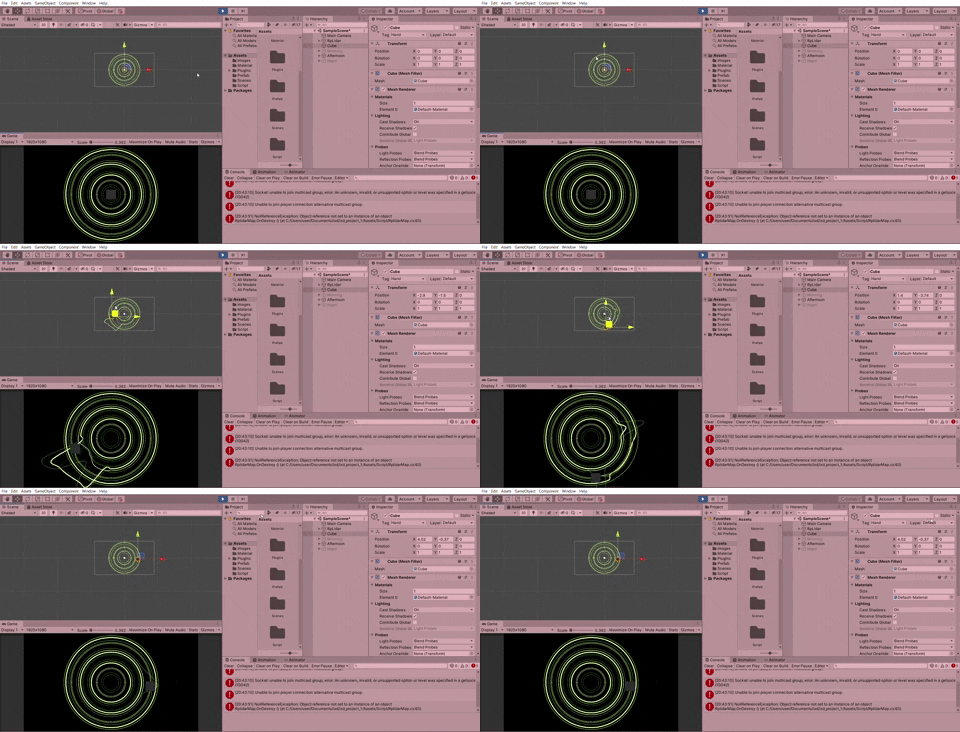




Comments
Post a Comment