UI Application: Design and Production (Coding)
Workspace in Unity
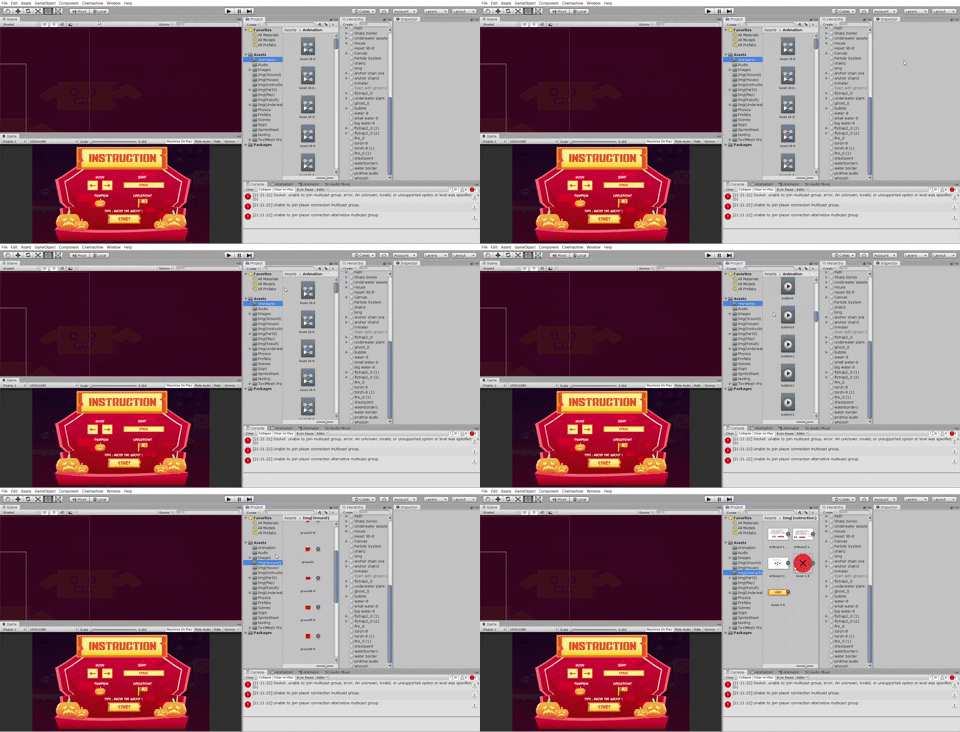
One of the reason that I choose to create a platformer game because I want to try out something new. Although platformer game looks simple because it provides a few interactions for the player, I try to make it to be complicated so that I can learn more stuffs. And ya.. it's not simple as there's a lot of part that must be concerned in order to provide the best user experience.
Challenges


The most interesting part is fixing the collider of the player. On the first user test, many users give feedback that the collider is very sensitive as the player easily dies when he hit the spikes or ghost. This is because the collider is too big and stays static even though the position of the character has changed. After finding the problem, the problem of the collider can be solved when I adjust it by using the offset and size according to the sizes and placement that I want. Thus, the collider will always follow the animation. Another interesting part is the transition of animation when the player is jumping, running, diving and in an idle state. I have to think the connection between the two transition of two actions and set their parameters accordingly. I quite like this part because I feel it's very interesting.

In this project, I deal the most with the code of OnTriggerEnter2D ,OnTriggerExit2D and OnTriggerStay2D. Initially, I couldn't remember how to code as I have to keep on refer in order to keep it inside my mind. As I practise more, I realize I start to have a better understanding on it. Most of the colliders are associated with this code and Compare Tag to check whether if the 'other' triggers the game object which have the tag on it. Besides that, another interesting part on the coding is to respawn the player with the delay of time. I've learnt how to implement StartCoroutine and yield return new for the gameobject to respawn. I also understand the use of Instantiate is to create a new Game Object but it consumes a lot of data. Overall, it's very challenging to code this script.

For the BGM, I've learnt the concept of DontDestroyOnLoad. This function is to enable the gameObject not to be destroyed even it's in another scene. The game object will repeat and overlap on the first game object if it comes back to the first scene. Thus, I have to code and destroy the game object first to prevent the repetition of the game object.


I feel the most complicated script is Player Move script. This script contains codes that control the movement of the player. I have to admit that the codes inside this script are hardly to be explained in words because it's very complicated. I've learnt about Input. GetAxisRaw and Input.GetKey to control the movement of the player using keyboard. Other than that, I also understand how to flip the character when it moves to left the and right. Overall, the codes of this script are very challenging and needs to be practised a lot of times to keep in mind.
Screenshots of Scripts

Particle System
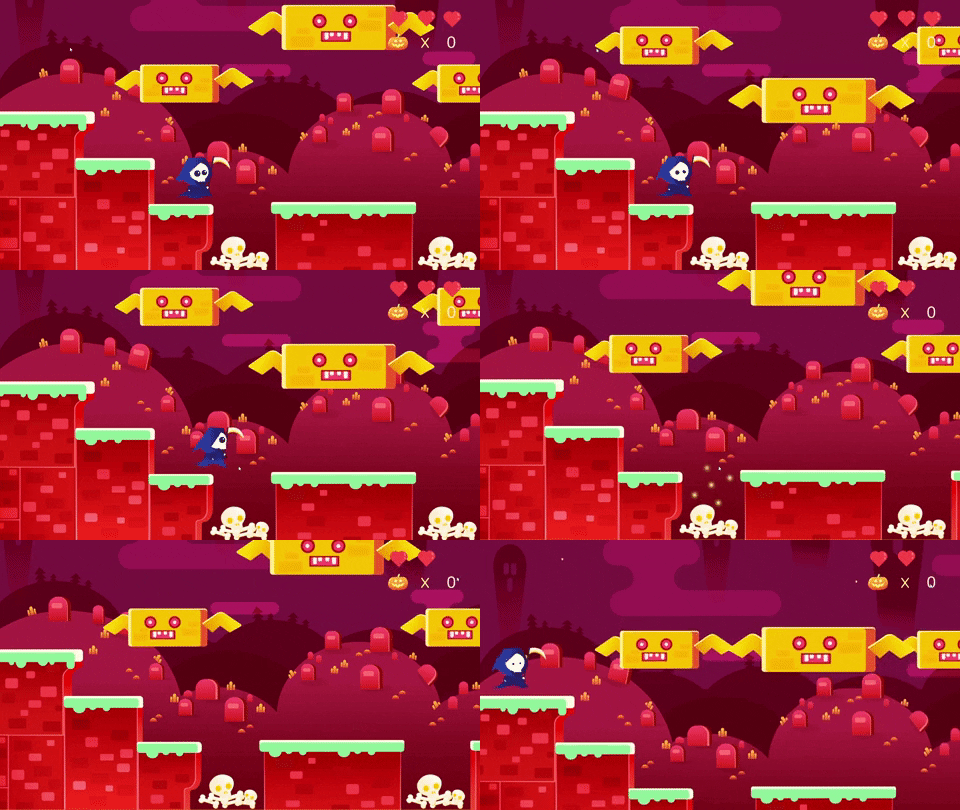
Besides learning coding in unity , I also explore the particle system. The particle system is added so that the player will have feedback along with the sound effect when he hits the enemy.


Comments
Post a Comment