UI Challenge 2: Slider
SLIDER SET 1
Development Process
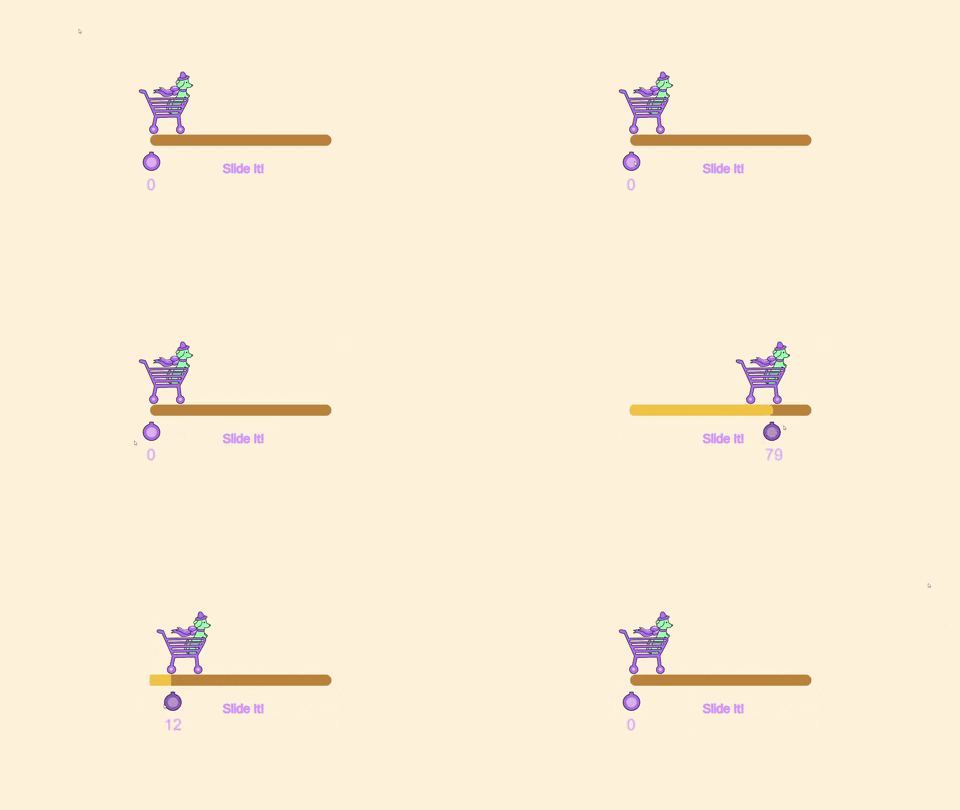
I thought that basic slider is very easy to do as I just have to follow what Mink had taught us during the class. Unfortunately, I faced a lot or problems when creating the slider. For example, my handle of the slider will distort whenever I play it. Secondly, the fill of the slider will change its position when I change its assets. I was very frustrated and seeked help from lecturer. At last, I understand what was the problem and the method to solve it. I realized that it helped a lot when I came across the same problem on Part 3 UI Challenge. By that time, I already knew how to fix it. Besides that, I had learnt how to use 'mathlerp' in order for the value of image to start from 0 to 100.
Final Outcome
Rationale
The slider is a basic slider. It changes value when the user slides from the left to the right. Basically, the value decreases when the slider moves to left while it increases when it moves to the right. The trolley will follow the slider when the user slides it. If this slider develops in advanced, it would be better to see that the stuff in the trolley increases when the value increases. This slider can be used for commercial purpose (supermarket app) to scale the weight of object. Besides that, it can also be used for loading bar if it is further modified.
Slider Set 2
Reference


Design

Development Process
For slider 2, we are asked to create slider with functions. I think of music player on my first thought because I want to create sliders that can adjust its volume and timeline. Besides that, I also want to try buttons with functions as well. I also can take this opportunity to experiment with audio in unity. During this process, I struggle a lot because I'm still new to unity and there's still many functions to explore. I keep getting error when doing the script because I still don't really understand the concept of it. These mistakes are useful for my future because I can learn from it. After practising for a few times, I realize that I start to know how to implement the scripts and functions on the sliders and buttons. The most challenging part of this music slider is to enable the slider to start from the beginning when the following song is played. I'm quite satisfied with the final outcome because I manage to create a functional music playlist besides learning from it.
Final Outcome
*doesn't have audio
Rationale
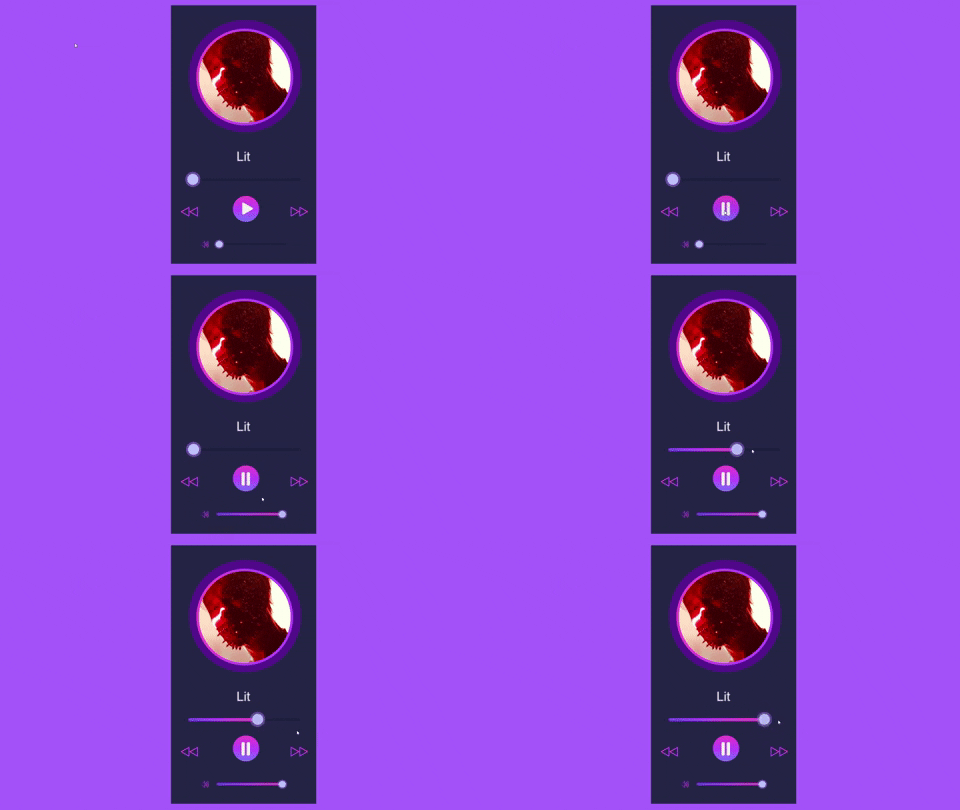
This is a music player that is totally functional. The slider will follow the duration of the song. In addition, the timeline of the song will change accordingly when the user slides on it. When the first music clip move to the second music, the timeline slider will starts and play from the beginning again. Moreover, there is a volume slider whereby the user can adjust according to their desired volume.This is a combination of buttons and sliders. The music player will only start when the user press the play button while it will stops when the user pause it. Other than that, the user can click on the next or back button to change the song. The image and title of the song will also change following the current song.


Comments
Post a Comment