UI Challenge 1: Button
BUTTON SET 1
Visual Reference


UI Reference

I tried to do something like this but it failed.
Design
 |
 |
 |
Development Process
This is a set of gummy buttons. I designed it in gummy looking because I planned to develop it into interactive buttons whereby the button will change the shapes following the cursor. I found the reference in Pinterest but the designer used HTML to create the button. I tried to ask Mink about it and it requires a lot of functions such as Mesh Renderer , Circle Collider 2D, etc... I tested it out and it failed because I still haven't own the skills to create such interactive soft body button.Thus, I have to stick back on my initial idea. I use After Effects to create the animation (wave) so that the gummy elements have slimy texture. These series of buttons are quite basic because the buttons will animate only when I pressed on them.
Final Outcome
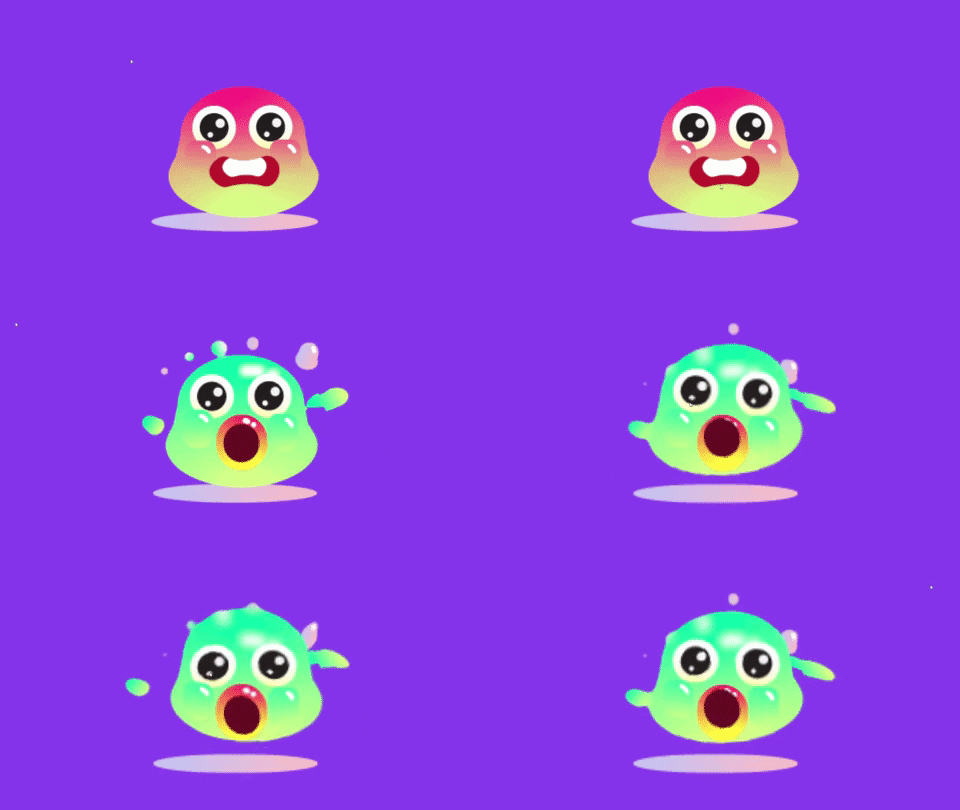
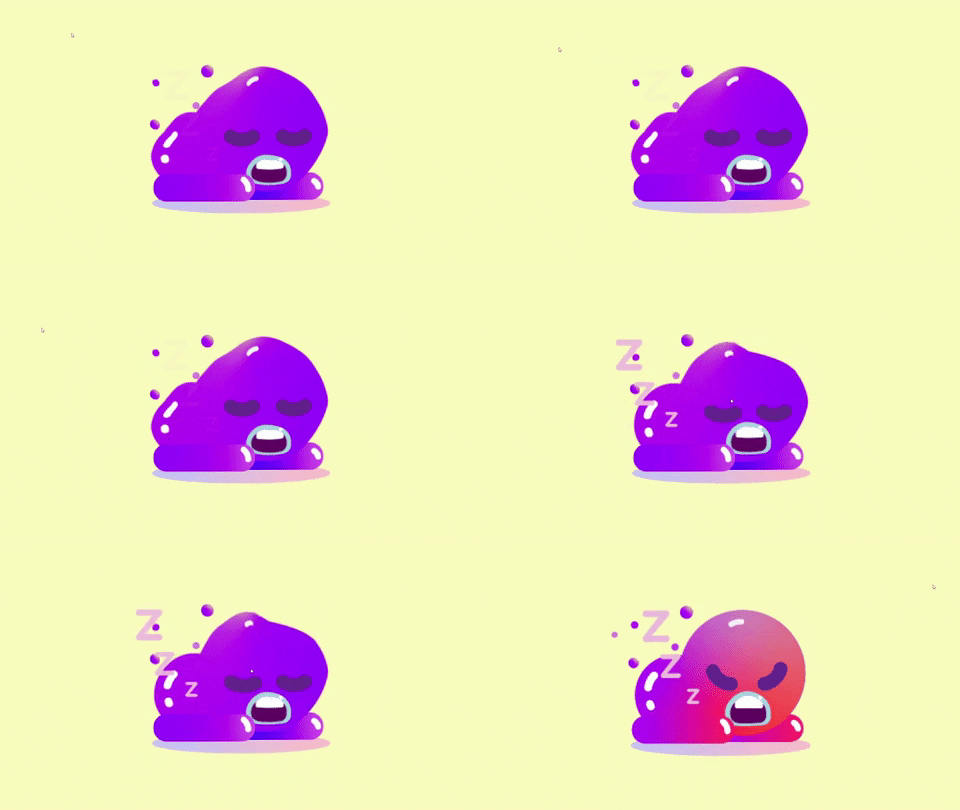
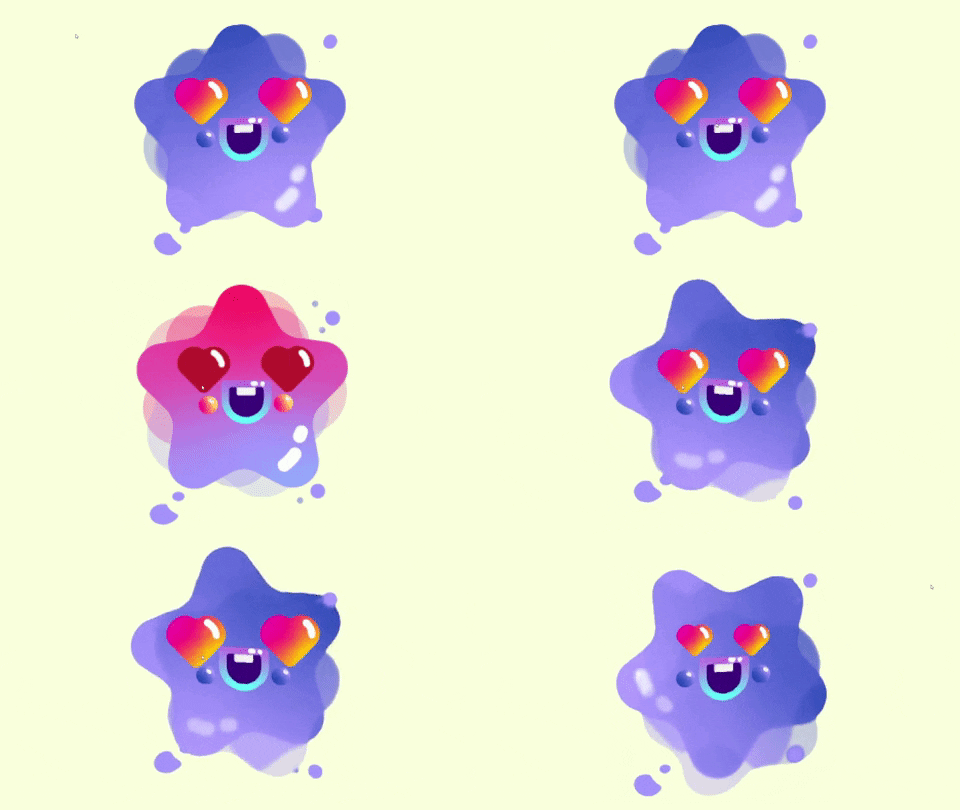
Rationale (Set 1)
These sets of buttons share the same characteristics and similar interactive experience.The first button is a sleeping gummy button.Initially, the button remains static. When the user pressed on it, the sleeping gummy button will start to animate. The body will have wavy effect and the mouth of the creature will open and close. When the user hover on it, the creature will turn into an angry expression. The second button of the set is a star gummy button. The button will rotate and the scale of the eyes of the creature change. The button will change to other image when hover on it. The third button of the set is a surprise gummy button. The creature will jump up when the user pressed on it. It also changes to angry expression when user hover on it.
In conclusion, three buttons share the same functions. These buttons can be used for entertainment purpose, for example game or webpage. The target audience are mainly on children because of the visual design that easily attracts the attention of a kid. Besides that, it also can turn into stickers or emoji icons for social media platform such as messenger, whatsapp, etc..for the user to express their current emotions.
BUTTON SET 2
Visual Reference


Design


Development Process
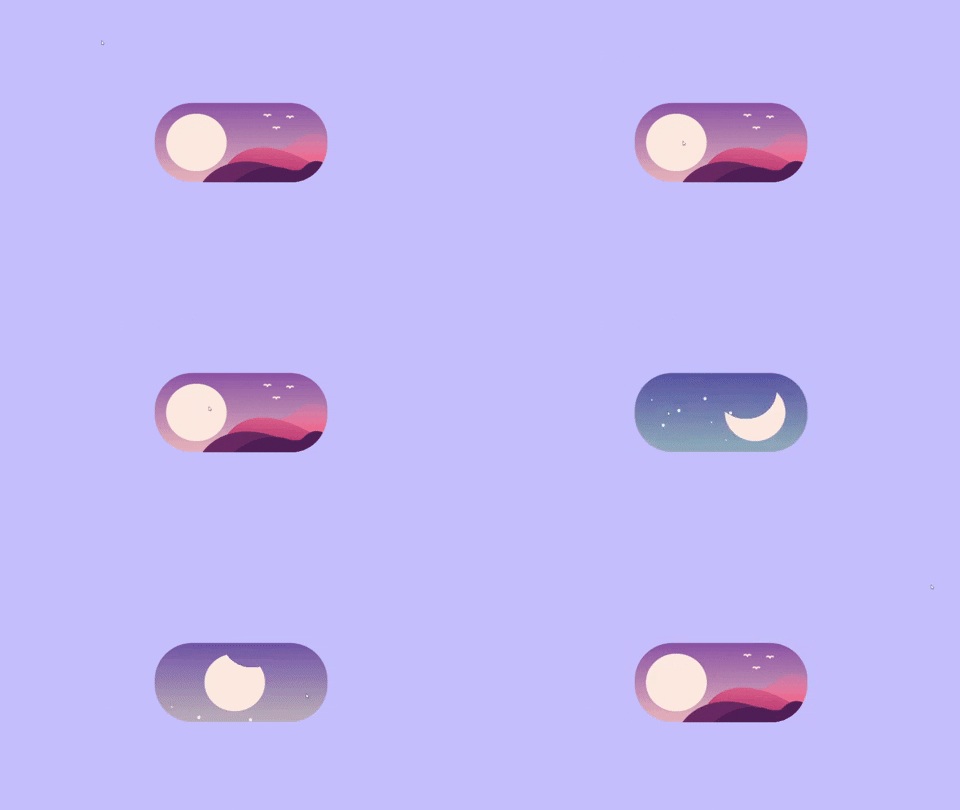
For the second button, I created a toggle button. I change the function whereby the graphic elements will move up only when the user switches the mode . During the process, I didn't know how to turn the shape of the sun into the shape of moon because the moon is not a complete shape. I was glad that I tried this because it helped me to have a better understanding on mask and unmask. It also helped me to revise the script on how to use boolean to create function like such. I also change the color of the design to create a better contrast.
Final Outcome
Rationale(Set 2)
The toggle button can switch between day and night. It starts from the day. If the user wants to change the mode from day to night they have to press on the sun, the sun will rotate and turn into the moon. The colour and graphics will change as well to represent the differences between day and night. This works as well when the user wants to change from night to day.Besides that, there is a clicking sound when the user tab on the button. This button can be used as controller for the user to adjust between day and night. The art style is very simple and the colors are in cool color to create a relaxing, calming mood.
Button Set 3
The button for set 3 is a combination with the slider in UI part 2 challenge. Further explaination of the button will be explained together with the slider.
*Gif doesnt have audio


Comments
Post a Comment